Buyer guides
Plush Keychain Attachment Position: Test How the Character Hangs
Compare plush keychain attachment positions with consistent sample photos, an option comparison board and a hanging-pose approval record.
A plush keychain can look balanced on a desk and hang at an unwanted angle when attached to a bag. The sample review therefore needs a separate hanging test. Approving the face, colour and overall shape does not automatically approve the attachment position.
The useful question is specific: how should this character hang from the intended hardware in normal use? A forward-facing upright pose may be important for one design, while a deliberate sideways pose may be acceptable for another. Record the intended appearance before comparing attachment options.
1. Define the pose and the real attachment setup
Start with a front, side and back reference of the character. Mark the intended visible face and any features that must remain unobstructed, such as ears, a logo or an embroidered expression. Describe the acceptable resting posture using an annotated reference image. Avoid an instruction such as “make it straight” without showing the viewpoint and intended result.
Then specify how the product will be used: attached to a zipper pull, hanging from a key ring, or suspended from a bag handle. Include the actual ring, clasp, connector and loop arrangement in the sample review. A photograph of the plush body alone cannot show how the assembled item behaves.
2. Ask the sample maker for feasible attachment options
Show the maker the proposed attachment zone and ask which constructions can be sampled. Record the location relative to a stable feature, such as the centre seam or a named panel junction. Include the loop material, exposed loop length, hardware version and relevant pattern revision in the option record.
A short list of controlled alternatives is easier to review than several samples with undocumented changes. If the attachment location is the question, keep the other construction details consistent where practical. If a different seam, loop or internal construction is needed, list that change explicitly so the reviewer does not attribute every difference to location alone.
3. Photograph a freely hanging physical sample
Label each complete sample with its option ID before photographing it. Suspend it from the intended hardware on a repeatable support, then let it settle without holding or arranging the body. Keep the camera height, background and viewing direction consistent across options. Capture the front, side and attachment close-up, with a short video where movement is relevant.
Repeat the observation after removing and reattaching the item. Record whether the pose is consistent, whether a connector twists and whether a label or accessory changes the visible orientation. If the intended use involves contact with a bag, add that setup as a separate observation; do not compare a free-hanging sample with a sample supported against a surface as though they were the same test.
Attachment option photo board — blank template
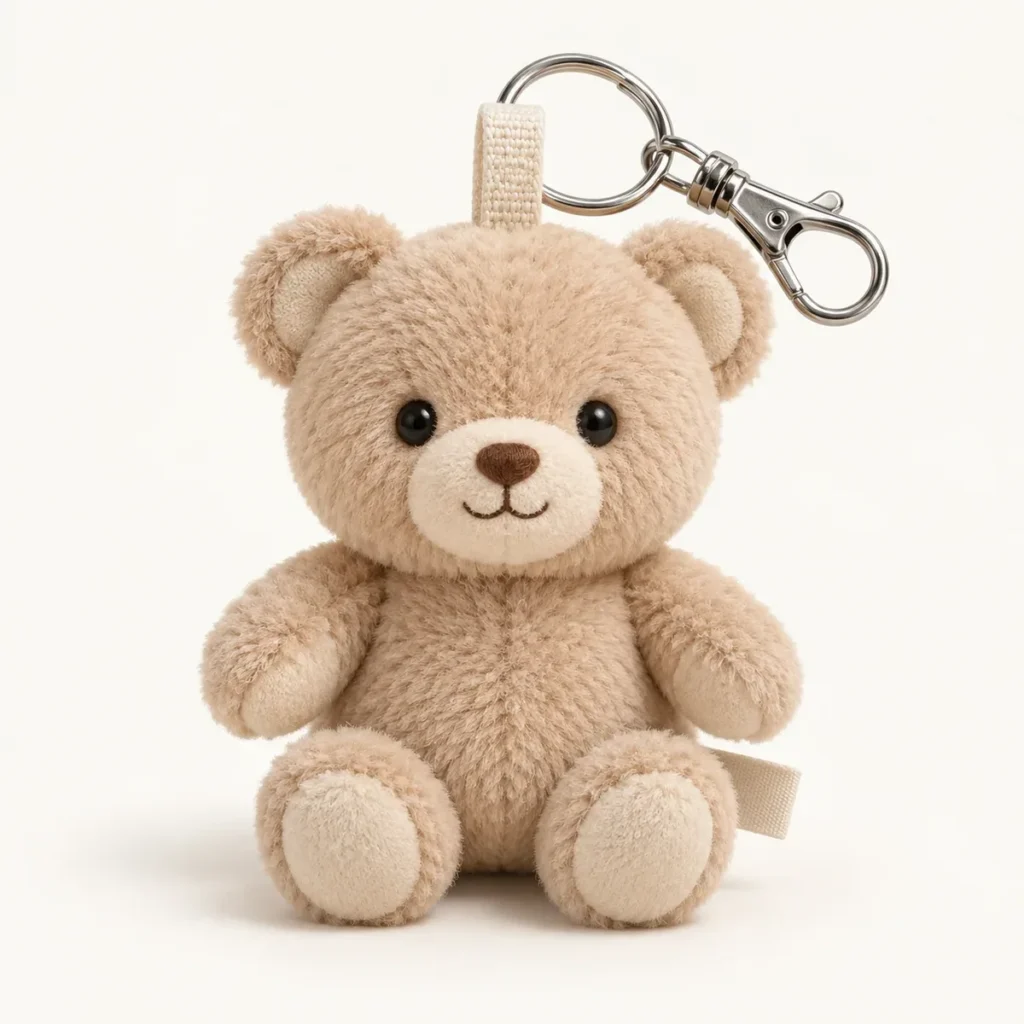
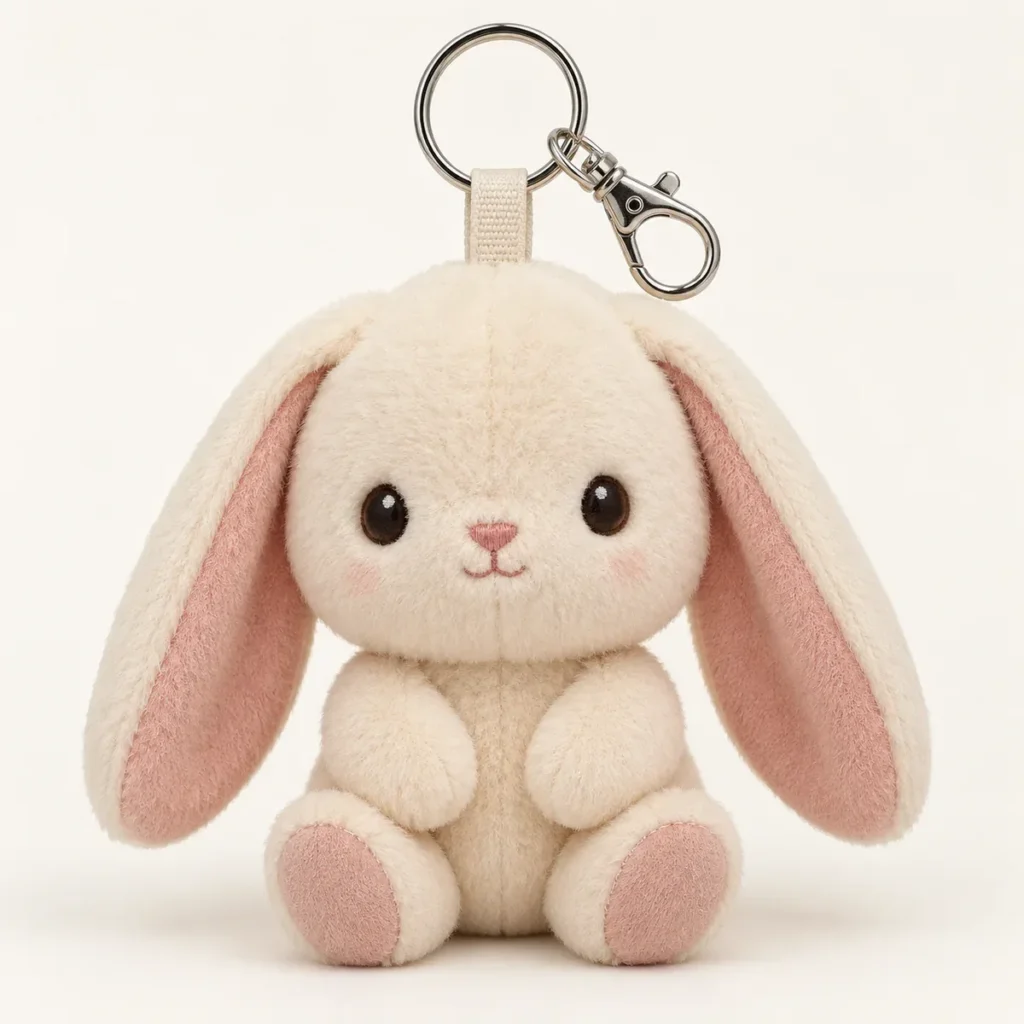
Use actual photographs of the finished sample in this board. The product concepts elsewhere in this article are design references, not hanging-test results. Keep a separate board for each test setup.
| Photo / record | Option A | Option B | Option C |
|---|---|---|---|
| Sample and pattern revision | ________________ | ________________ | ________________ |
| Attachment location and loop | ________________ | ________________ | ________________ |
| Front view, freely hanging | Insert sample photo | Insert sample photo | Insert sample photo |
| Side view, freely hanging | Insert sample photo | Insert sample photo | Insert sample photo |
| Attachment close-up | Insert sample photo | Insert sample photo | Insert sample photo |
| Hardware and use setup | ________________ | ________________ | ________________ |
| Observed resting pose | ________________ | ________________ | ________________ |
| Repeat observation / video ID | ________________ | ________________ | ________________ |
| Decision and next change | ________________ | ________________ | ________________ |
4. Review the whole character and its accessories
Compare the front and side views together. Check whether the face remains visible, whether the head tips into the hardware, and whether ears or decorative parts interfere with the loop. Inspect how the hangtag, woven label and any attached accessory sit in the intended configuration. Record a clear observation such as “left ear covers the face in front view,” linked to the photograph.
Decide which accessories are part of the consumer product and which are removed after purchase. If both configurations matter, photograph both and label them separately. Changing a label, clasp or decorative component after approval can change the arrangement being reviewed, so the final assembled sample should be checked again.
5. Approve a defined sample, not an isolated point on a drawing
When an option is accepted, keep its sample ID, pattern revision, attachment close-up, hardware description and hanging photographs together. The approval should say which pose and configuration were accepted. If the maker proposes a different construction during production preparation, compare the revised assembled sample before treating the earlier visual approval as still applicable.
Hanging appearance and attachment strength are separate acceptance questions. This visual review does not establish pull strength, durability or product compliance. Define any required mechanical or other testing separately for the product, intended users and destination; retain the matching test evidence with its sample identification.
| Accepted sample / revision | ________________ | Hardware / loop reference | ________________ |
|---|---|---|---|
| Approved photo board / setup | ________________ | Accepted pose description | ________________ |
| Remaining appearance changes | ________________ | Reviewer / date | ________________ |
Explore custom plush keychain design references and custom character plush development. For an attachment-position sample request, send EDWIN the character views, intended hardware and the hanging-pose reference.